Storybooks WorldInteractive storybooks
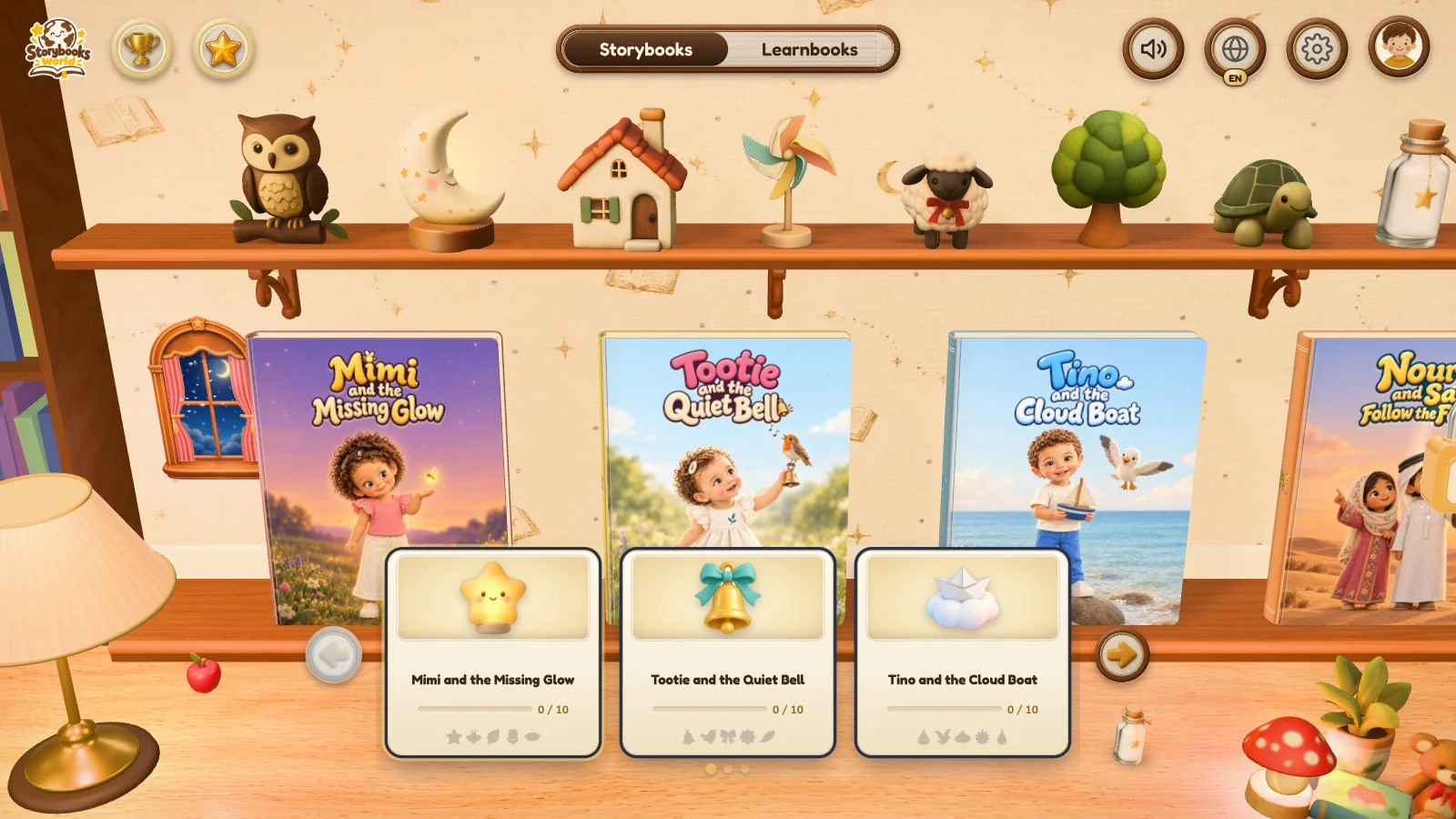
An illustrated storybook experience where the shelf, the cover and the page turn are part of the story. I used AI-assisted building to explore the space between a website and a tactile reading ritual.
What I brought
Experience direction, story art direction and AI-assisted interaction development.
How I built it
- 01
Start with the feeling
Use a physical book as the interaction model: choose it, bring it closer, open the cover and turn a page.
- 02
Build the object
Move beyond flat CSS transitions into hinged covers, cloth spines, layered pages and curved page turns. Adapt the book geometry from StoryComet, then connect it to the Storybooks World reader.
- 03
Tune the experience
Iterate the continuity between shelf and reader, with narration, sounds and illustrated stickers. Include a reduced-motion path so atmosphere does not become a barrier.
Keep the same book from shelf to story
A continuous shelf-to-table transition makes opening a story feel like handling an object, rather than navigating to another screen.
The thinking behind Storybooks World
Feeling first, then the object
A physical book is the model: choose it, bring it closer, open the cover and turn a page.
Atmosphere should not block reading
A reduced-motion path keeps the atmosphere from getting in the way.
Picking a book lifts it off the shelf and onto the table. The cover opens and the first page pops up.
The page curls over and the next pop-up scene stands up from the paper.
Tapping a word opens its picture card with the word in English and Arabic.
One tap switches the story to Arabic and the whole book turns to read right to left.
Every toy on the shelf reacts when it is tapped.
The clips are recorded from the published Storybooks World build. Much of the art in them, including the character poses, scene plates and shelf toys, was generated with Higgsfield.
Book geometry adapted from StoryComet; the exploration combines that interaction reference with Storybooks World's own visual direction.