BigBoyGame-world experiments
A playful game-world exploration where character proportions, environment scale and atmosphere need to agree. AI-assisted iteration helped turn a visual direction into concrete adjustments inside the local game prototype.
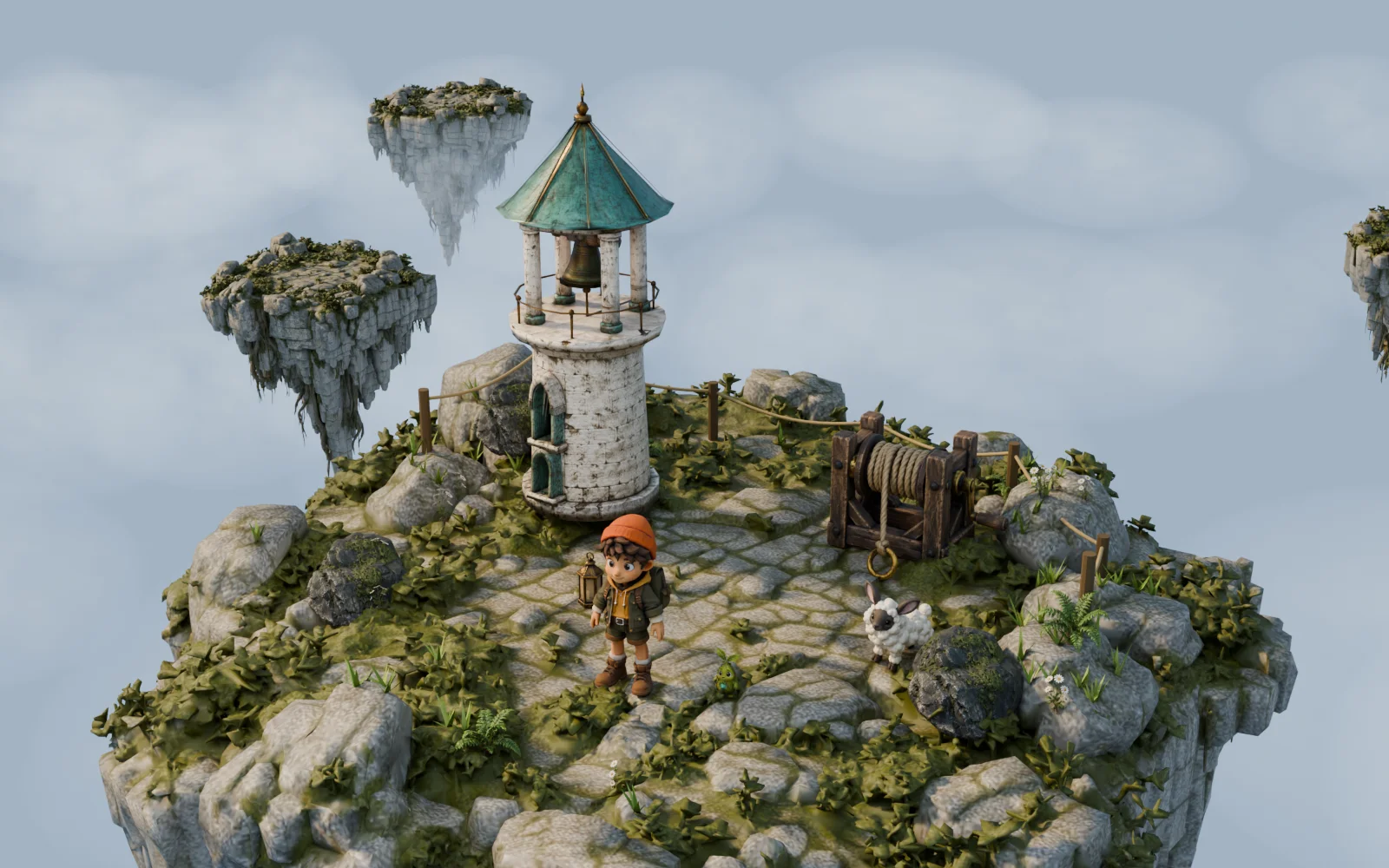
Small objects. A bigger world.
Explore three original assets from the BigBoy project. Turn them around to see the character and the objects up close.
The model loads automatically. Move across it or drag to rotate.
An interactive asset study, not a gameplay scene.
What I brought
Visual direction, scale decisions and AI-assisted game iteration.
How I built it
- 01
Set a shared reference
Establish BigBoy at 1.2 metres and use a character lineup to compare silhouettes and relative height.
- 02
Bring art into the build
Organize the 3D assets and adjust character scale against that reference, including Luma at 1.35 metres.
- 03
Shape the atmosphere
Iterate the sky and world presentation alongside proportions, keeping the exploration in the local game rather than treating concept art as the finished experience.
From generation to game.

Generate the base models.
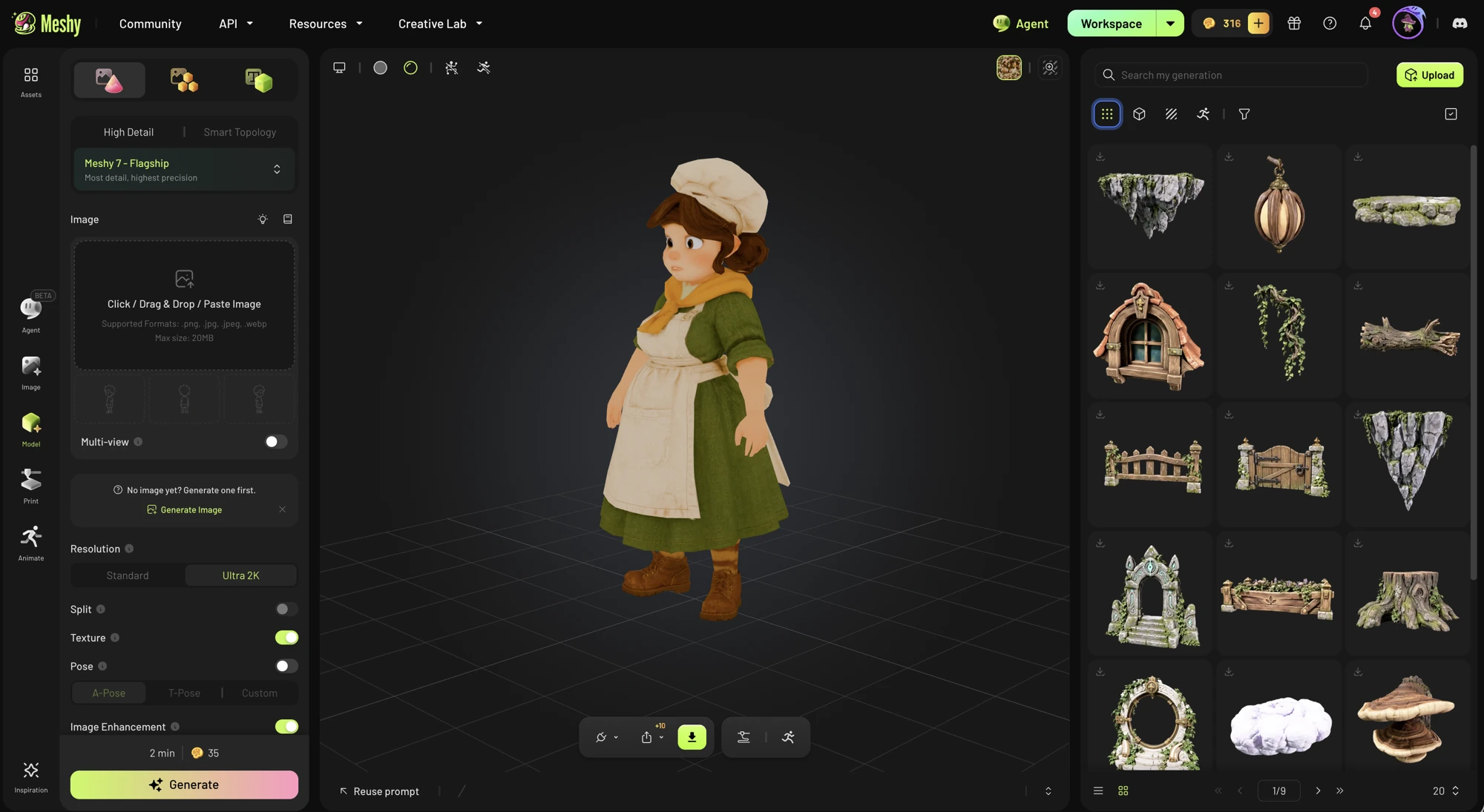
 Blender
Assemble, texture and light the scenes.
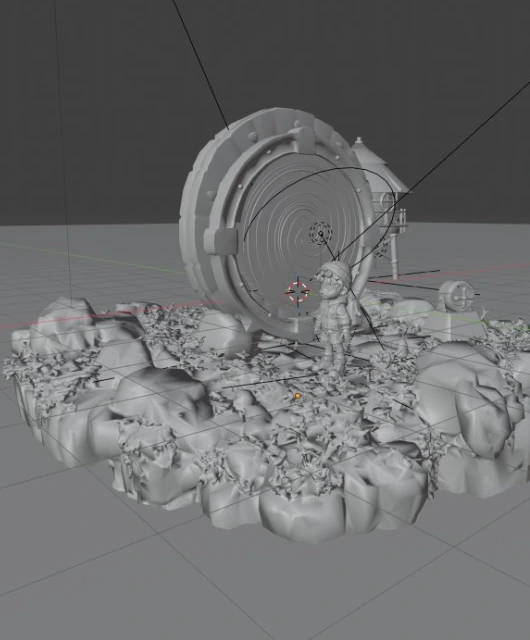
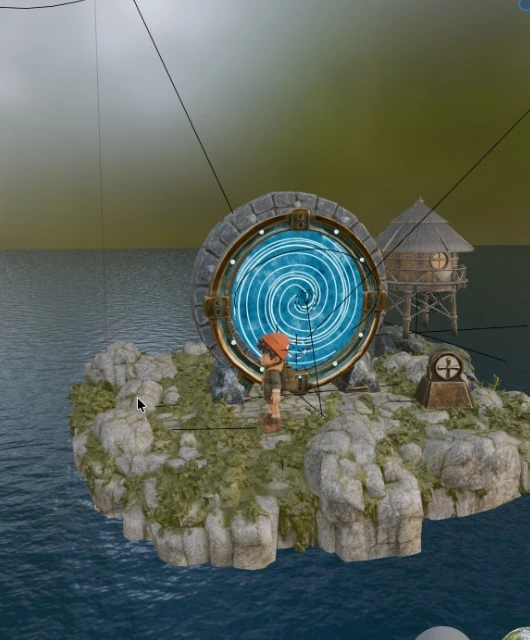
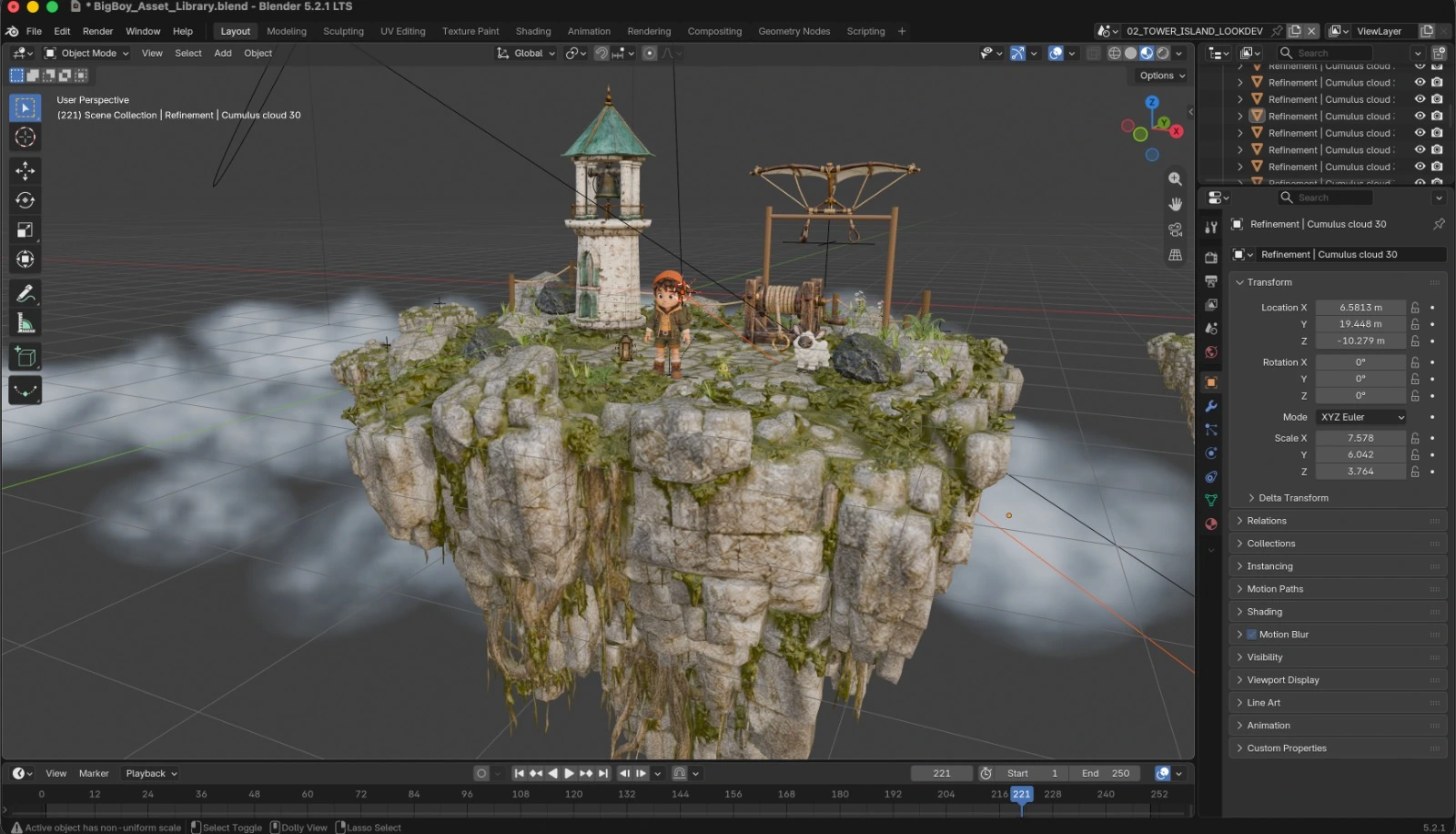
Play the world in the prototype.
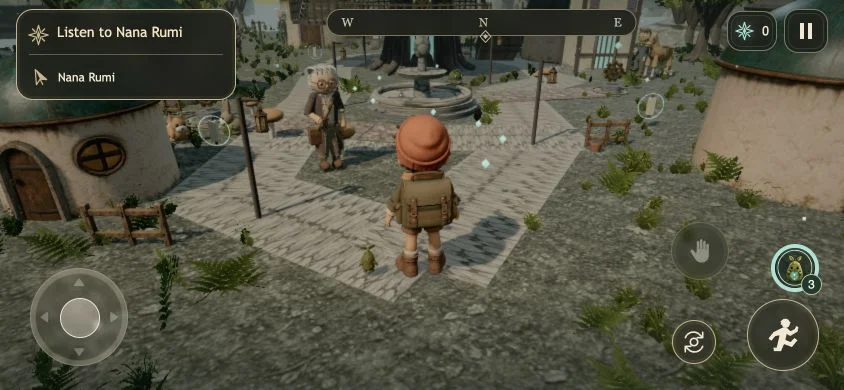
Use the child character as the scale anchor.
A consistent 1.2-metre reference makes character and environment decisions comparable. The world should feel coherent, not like a collection of unrelated assets.
Saved playable-checkpoint capture. The character, quest guidance and touch controls share the same game view.
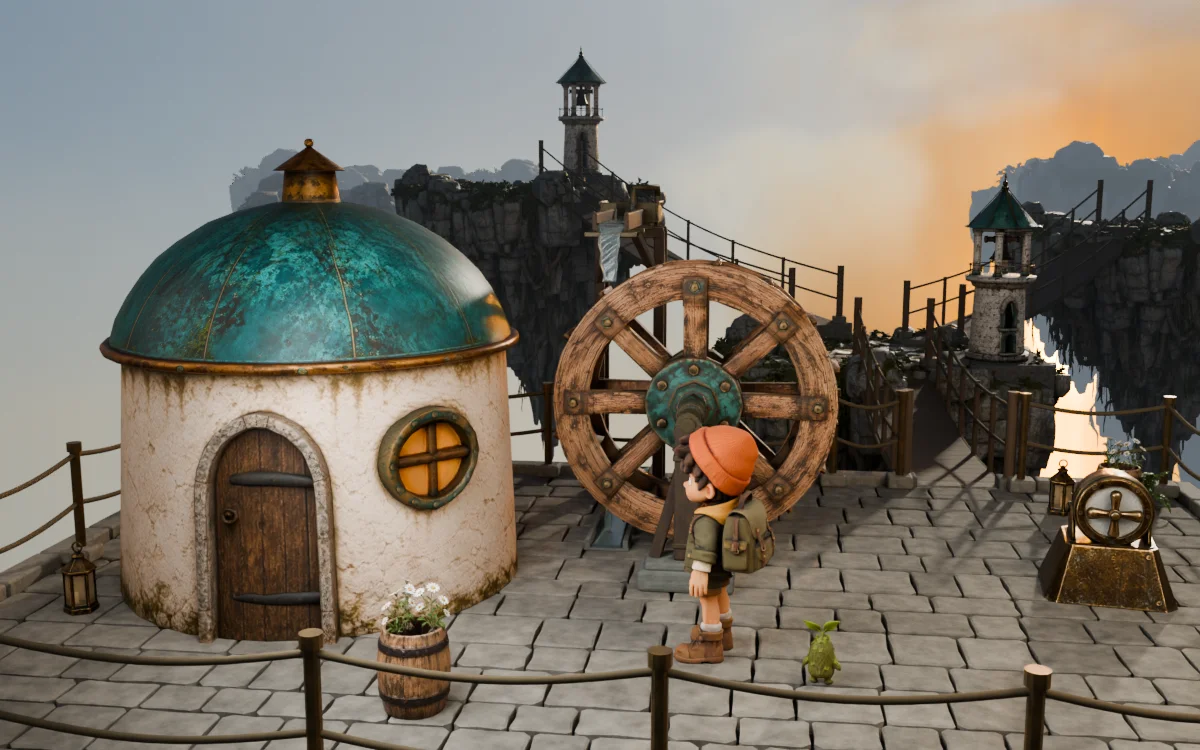
Original Blender scene render. This lighting and environment study is distinct from gameplay evidence.
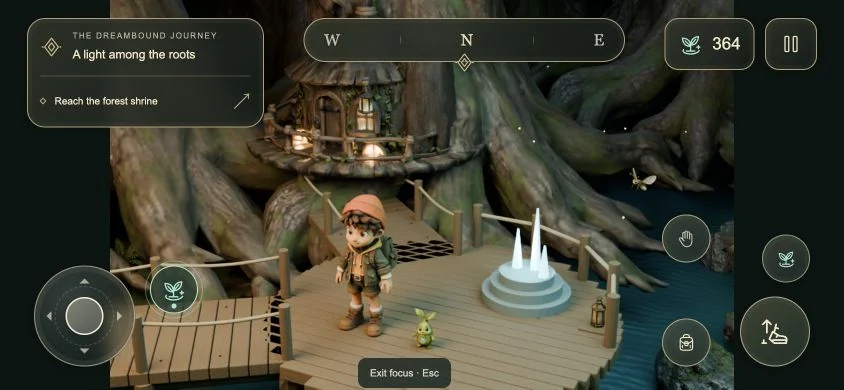
Browser capture of the HUD study over a scene render. This shows interface composition, not a second playable level.
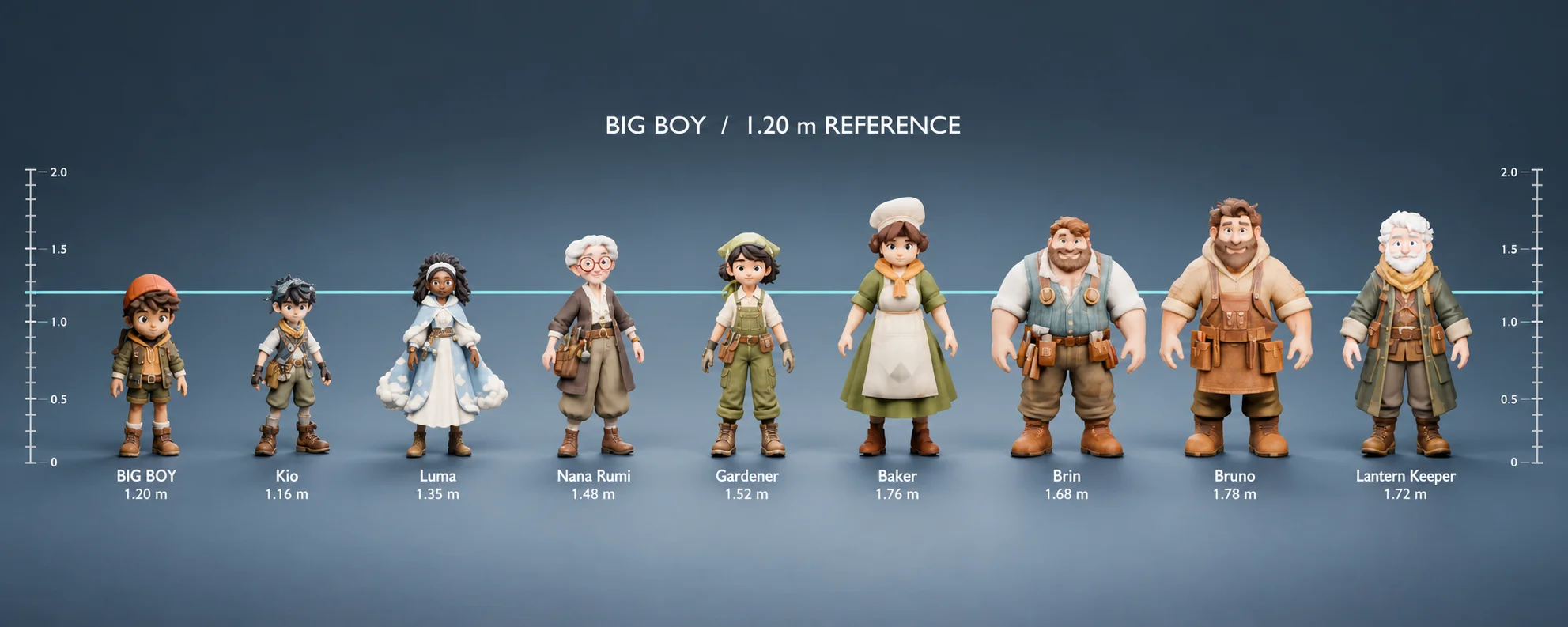
Original character and proportion artwork used to establish the world's scale.
Personal game prototype. Captions distinguish the playable checkpoint, scene renders and HUD study.